

Design Interactively
Design Interactively.
Design Interactively
Design Interactively.
 |
FIREFLY is a set of comprehensive software tools dedicated to bridging the gap between Grasshopper - (a free plug-in for Rhino) - the Arduino microcontroller and other input/output devices like web cams, mobile phones, game controllers and more. It allows near real-time data flow between the digital and physical worlds – enabling the possibility to explore virtual and physical prototypes with unprecedented fluidity. |
 |
Firefly uses a visual programming language built within a 3D CAD application to create real-time interactive models.
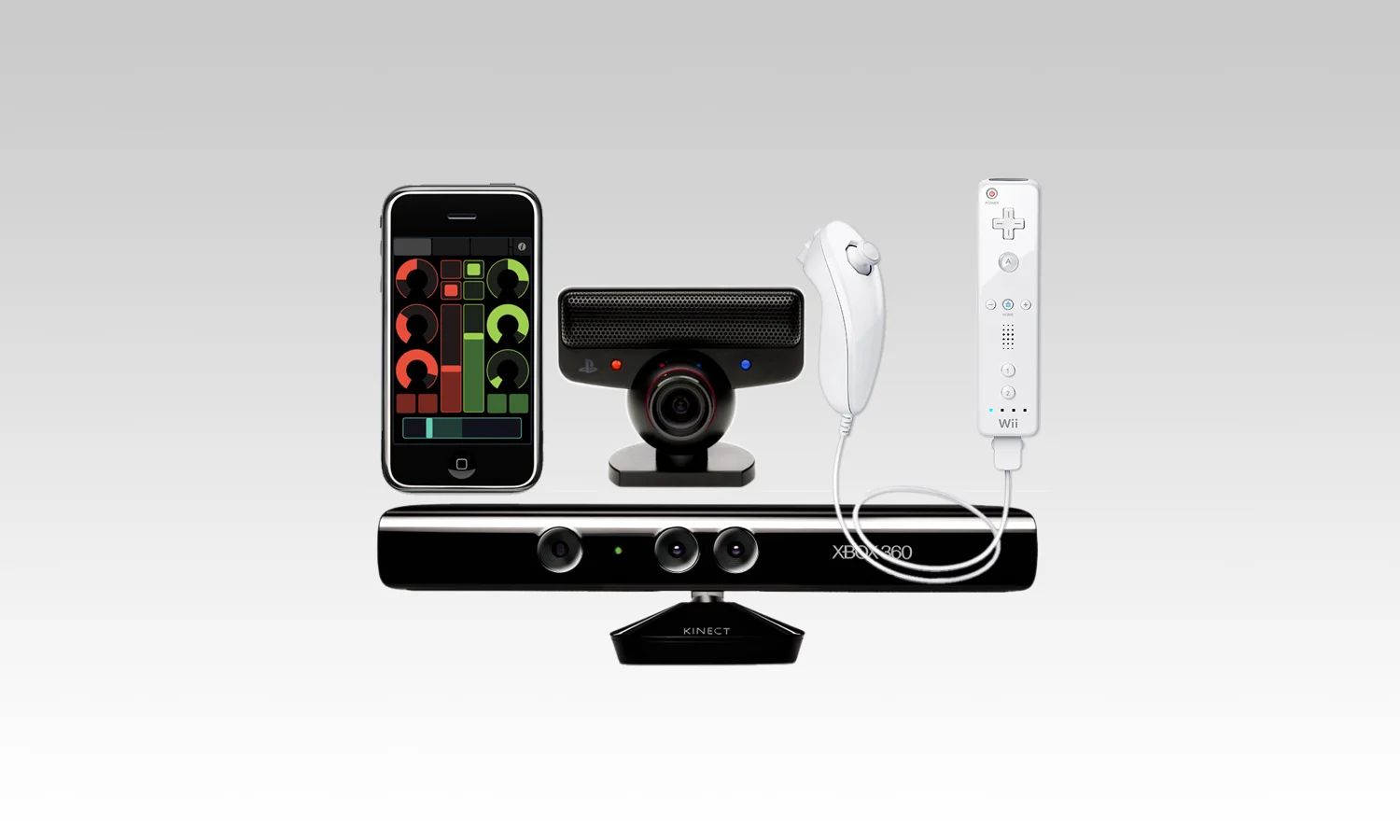
Firefly alleviates the hastle of interfacing with external hardware. See what kind of devices you can connect to!
Firefly has a vibrant community of users who continually push the boundaries of physical computing. Check out some of their work.
Code to Nodes
Go from Code to Nodes — and back.
Code to Nodes
Go from Code to Nodes — and back.
Drag and Drop Programming
Using Grasshopper's visual programming interface, Firefly gives you the ability to create interactive programs and devices by manipulating elements graphically rather than by specifying them textually. It gives you the ability to quickly mock-up and prototype ideas for interactive objects and devices. It achieves this mostly by sending data back and forth over the serial port really quickly. But, what if you want your device to stand-alone... meaning you don't want to be tethered to your computer by a pesky USB cable?
Advanced Code Generation
Fortunately, Firefly has an advanced Code Generation feature which translate the visual representation of your Grasshopper graph directly into Arduino compatible code. And it does this all on the fly. Now, you don't need to worry about writing all of that code yourself. Simply, prototype your design as you normally would, and the Code Generator will work in the background writing all of the code necessary to make your design come to life!
Connect to Devices
Connect to Physical Devices in Real Time.
Connect to Devices
Connect to Physical Devices in Real Time.
Connect Instantly To The Outside World
Firefly alleviates the hassle of interfacing with external hardware. The Firefly toolset has pre-built components that allow you to connect to many of the most popular hardware devices including data acquisition devices, mobile phones, cameras, leap motion controller, game controllers (like the Wii Nunchuck and Microsoft Kinect) and audio interfaces to name but a few.
With support for networking tools enabling you to tap into remote data instantly. With COM port communication, UDP, OSC and other internet communication technologies - you can access data from across the world faster than ever. See how easy it can be. Check out our gallery section to see this and many more examples.